Docker笔记
Docker Desktop Getting Started
运行Docker Desktop。打开Dashboard,没有项目,有引导教程。
案例一
在PS执行命令
docker run -dp 80:80 docker/getting-started
等待下载后。在Docker Desktop显示新建了项目,
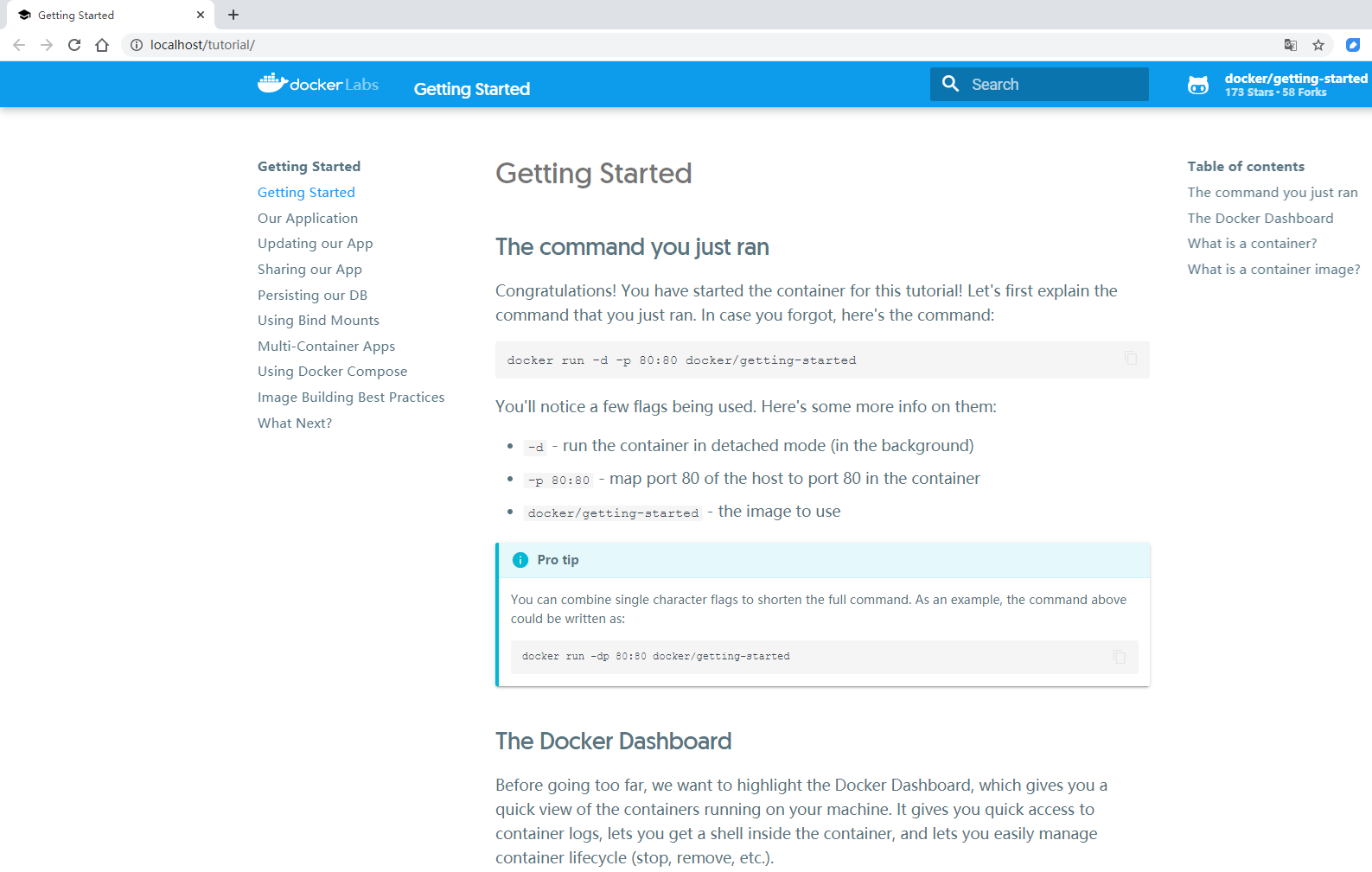
打开网页,显示教程的网页。
案例二
Our Application
继续浏览案例一运行的教程网页。
下载源码
新建 Dockerfile ,在 package.json 的同级目录下
FROM node:12-alpine
WORKDIR /app
COPY . .
RUN yarn install --production
CMD ["node", "/app/src/index.js"]
编译容器镜像
docker build -t getting-started .
启动镜像
docker run -dp 3000:3000 getting-started
运行

更新App
修改网页源码,重新编译。
提示网络问题
info There appears to be trouble with your network connection. Retrying...
要等几分钟才build好。
查看容器ID
docker ps
停止容器
# Swap out <the-container-id> with the ID from docker ps
docker stop <the-container-id>
删除容器
docker rm <the-container-id>
查看更新成功。

分享App
到Docker Hub 新建仓库 getting-started。
push报错
> docker push docker/getting-started
The push refers to repository [docker.io/docker/getting-started]
06dd99642831: Layer already exists
4540f741dcb5: Layer already exists
debb5485a52f: Preparing
beee9f30bc1f: Layer already exists
denied: requested access to the resource is denied
打tag
docker tag getting-started obarong/getting-started
再次push,成功。
> docker push obarong/getting-started
The push refers to repository [docker.io/obarong/getting-started]
a1f66b8b9669: Layer already exists
749245fd8261: Layer already exists
e73a7f1d22db: Layer already exists
501154e4b55f: Layer already exists
54b8a9e61578: Layer already exists
4ece4c4c93ba: Layer already exists
3e207b409db3: Mounted from obarong/docker101tutorial
latest: digest: sha256:aca6409a2fc1e6af08d5f1ce826b6b7201b518136e35e055e50928a70c3a976b size: 1788
打开Play with Docker,运行新实例
docker run -dp 3000:3000 obarong/getting-started
成功在远端打开网页。
保留数据库
创建卷
docker volume create todo-db
运行挂载卷
docker run -dp 3000:3000 -v todo-db:/etc/todos getting-started
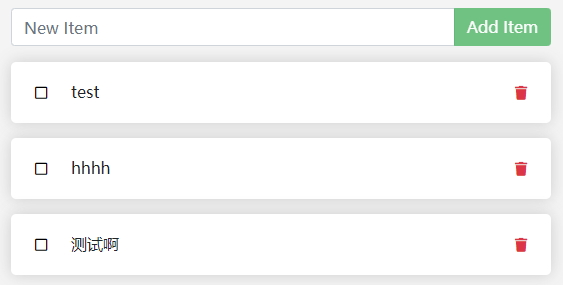
添加TODO事项,删除容器,运行新的容器,数据有保留。成功
查看卷挂载位置
> docker volume inspect todo-db
[
    {
        "CreatedAt": "2020-06-28T06:32:29Z",
        "Driver": "local",
        "Labels": {},
        "Mountpoint": "/var/lib/docker/volumes/todo-db/_data",
        "Name": "todo-db",
        "Options": {},
        "Scope": "local"
    }
]
使用绑定挂载
略……
Docker Desktop Learn
右键托盘的图标,选Learn。
这个Learn跟上面的案例一有点区别,这是从下载源码开始的。从GitHub下载太慢,开全局FQ会快一点。
git clone https://github.com/docker/getting-started.git
cd getting-started
docker build -t docker101tutorial .
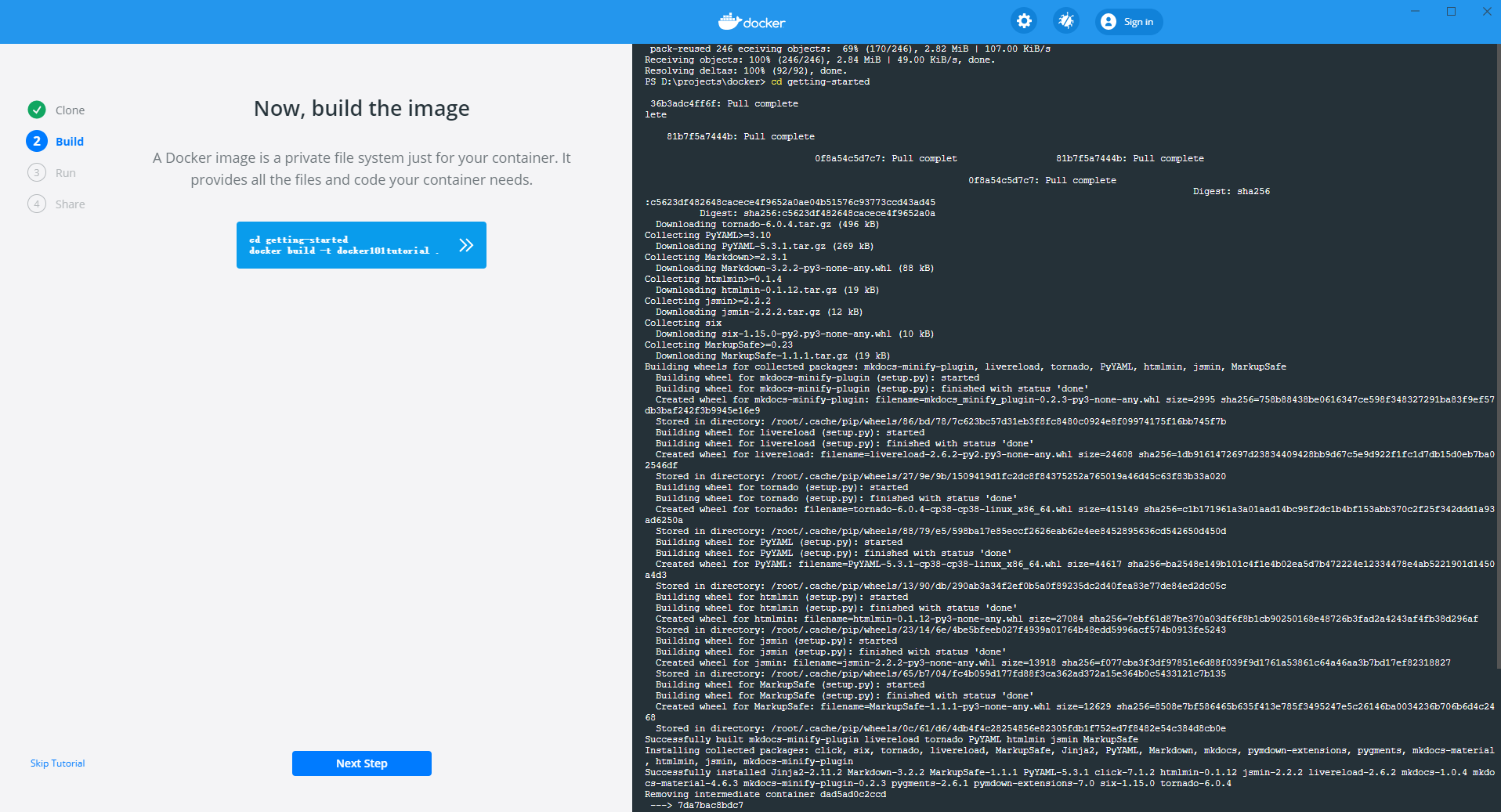
Build成功
运行

运行效果跟上面的教程一样。
分享
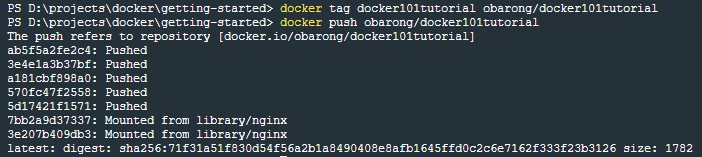
查看分享
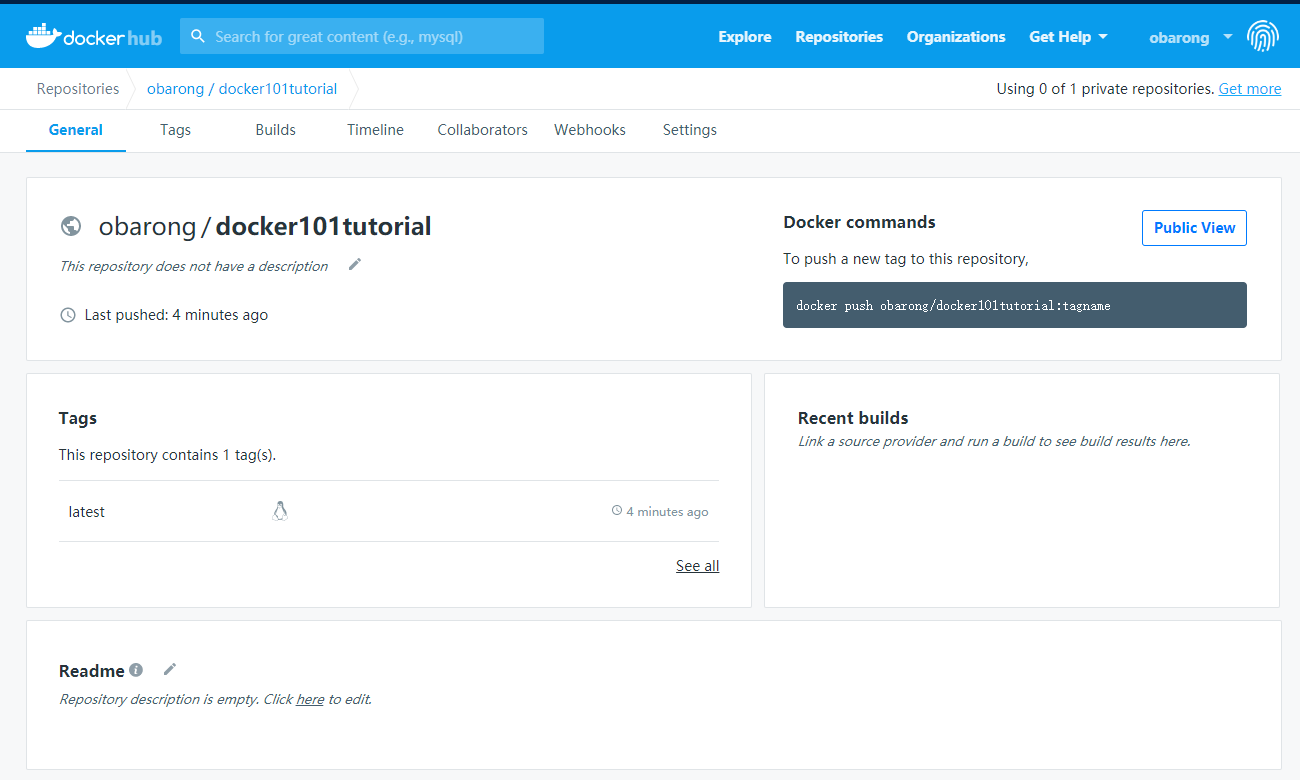
完成。